
SharePoint HTML Pages: Benefits, Limitations & Architecture
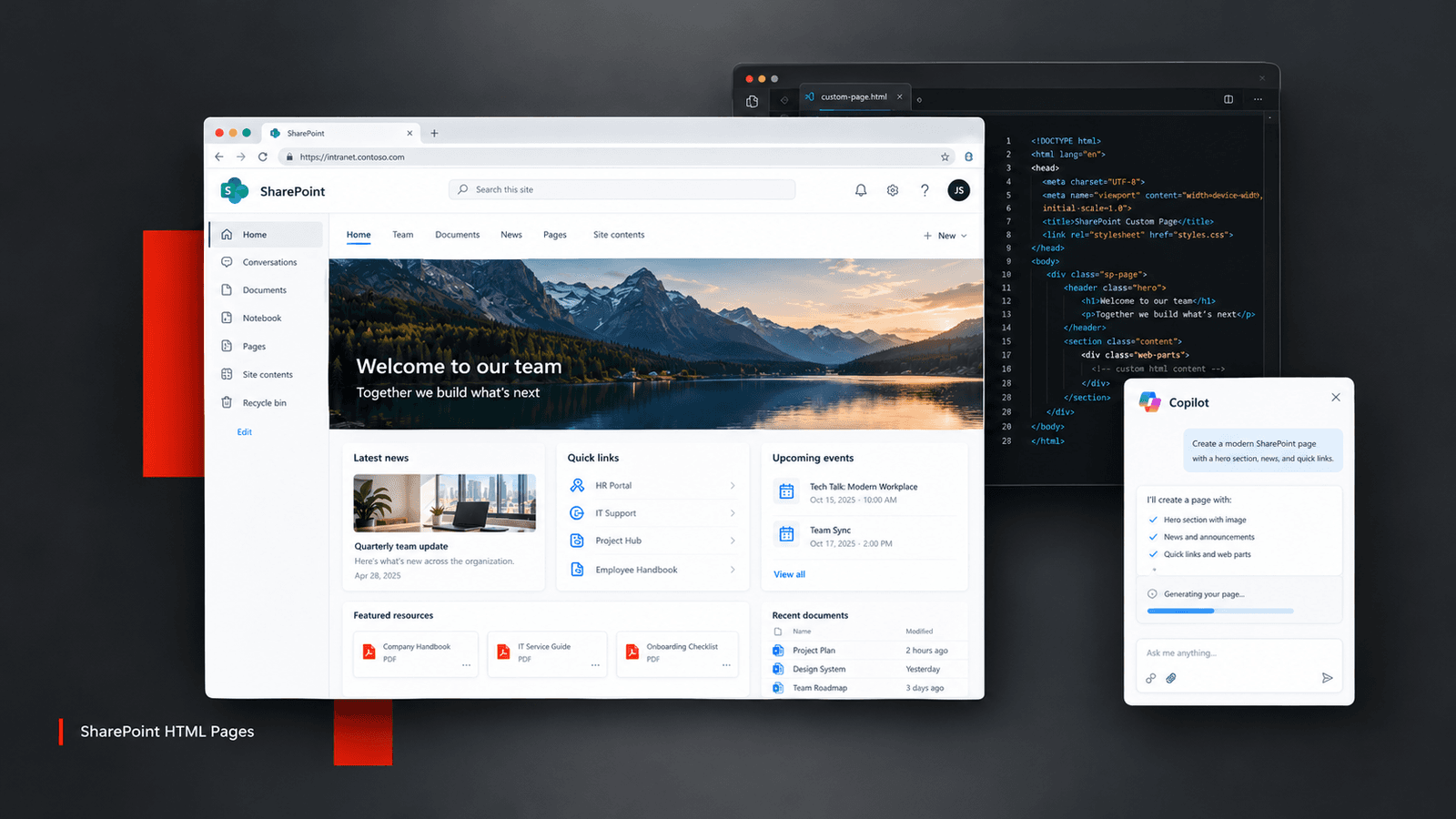
SharePoint HTML Pages: Are We Finally Bridging the Gap Between Business Creativity and IT Governance?
For years, SharePoint architects have been caught between two requests. “Can we make it look exactly like this?” And… “Can we build it without introducing another custom solution that IT has to maintain?” As someone looking at SharePoint from a Microsoft 365 practice perspective, I find Microsoft’s new HTML Pages capability interesting for precisely this reason. It isn’t just another way to create a page. It introduces a different point in the spectrum between out-of-the-box SharePoint experiences and fully engineered applications. And to appreciate why that matters, let’s look at how we got here.
The SharePoint evolution: From freedom to guardrails
Act 1: The classic era almost anything was possible.
Classic SharePoint gave developers considerable flexibility through master pages, page layouts, CSS, JavaScript, and custom web parts. Need a bespoke landing page? Build it. Need a highly customized intranet experience? Extend it. But that flexibility came with a price: development effort, upgrade concerns, maintenance overhead, and the risk of customizations becoming difficult to support.
Act 2: The modern era standardization at scale.
Modern SharePoint pages shifted the emphasis towards responsive layouts, reusable web parts, simpler authoring, and supported customization through the SharePoint Framework (SPFx). This was a necessary evolution. But it also created a familiar challenge. A business team might want a visually rich project dashboard, a campaign microsite, or a highly customized internal experience. Standard web parts might not deliver the exact experience they envisioned. The options? Compromise on the design, invest in a custom SPFx solution, or build something outside SharePoint.
Act 3: The new HTML Pages experience another option.
Microsoft is introducing the ability to create HTML pages using Copilot or upload existing HTML files, then edit, publish, and share those pages within SharePoint. Think of the possibilities: • A project status page with milestones, progress indicators, and FAQs. • An internal campaign microsite with a custom visual identity. • A polished onboarding guide for a new business unit. • A product launch page or a visually rich knowledge resource. Instead of treating every bespoke presentation requirement as a development project, teams now have another option to consider.
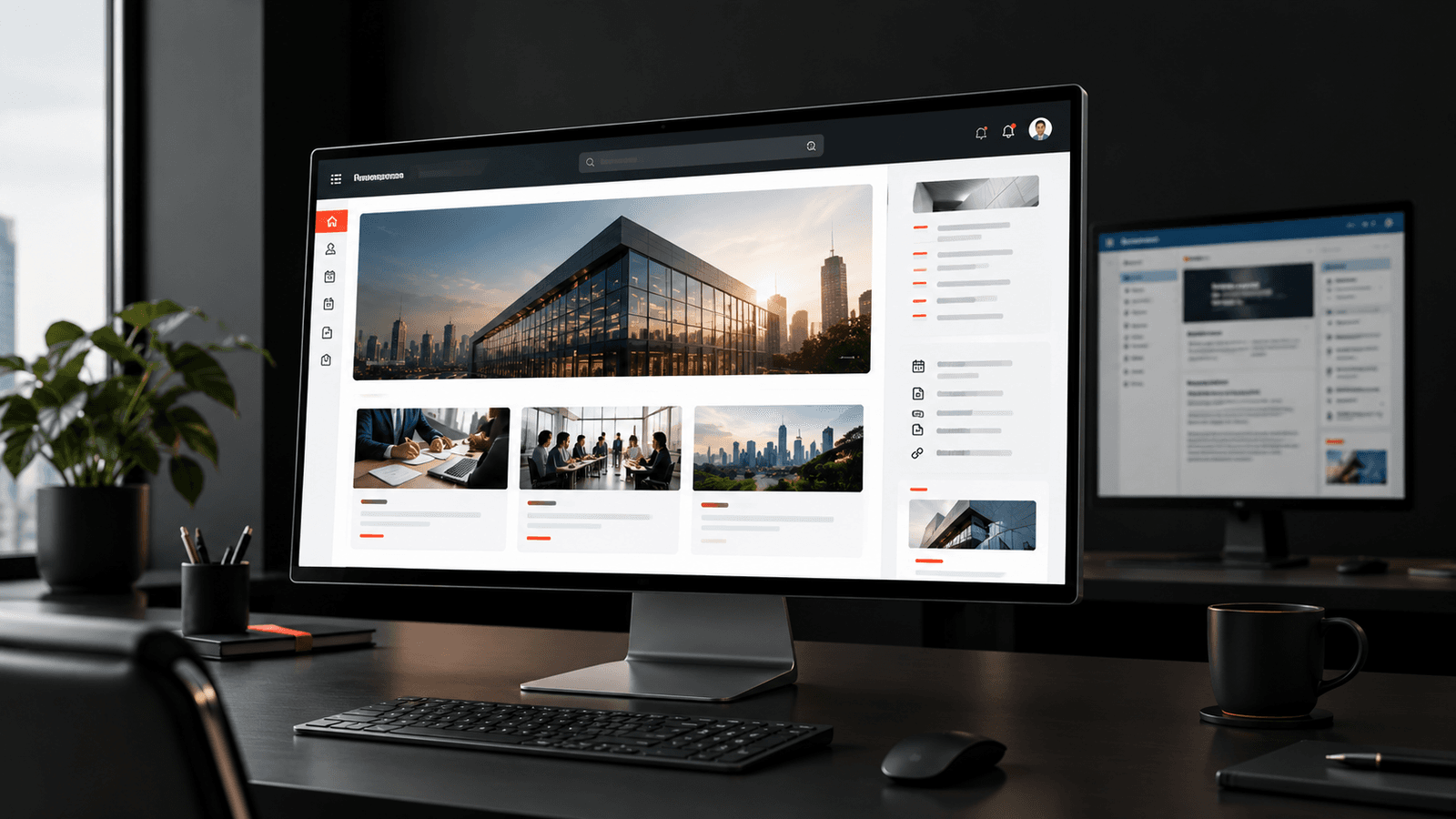
What makes this different?
The most interesting part isn’t simply that SharePoint can render HTML. We’ve been able to create HTML experiences for years. The difference is the combination of
HTML authoring, Copilot-assisted creation and editing, and SharePoint’s existing content and permission model.
This is where the new capability becomes relevant to M365 architects. A business user can describe the page they need. Copilot can generate a starting point. The user can refine the content and design, and the result can be published through SharePoint. That changes the starting point from:
That is a meaningful shift in how we approach simple, presentation-oriented business needs.
Haven’t we tried something similar before?
Absolutely. In the classic SharePoint world, the Script Editor and Content Editor web parts enabled custom HTML, scripts, and tailored experiences. Developers also built custom web parts and page layouts. Later, SPFx provided a supported model for building custom client-side components that integrate with modern SharePoint pages. And outside SharePoint, Power Apps offered another way to build business applications with less traditional coding. So, HTML pages aren’t the invention of HTML inside SharePoint.
That distinction matters. It offers an additional option without making SPFx, Power Apps, or other development approaches obsolete.
The advantages: Where I see the opportunity
These are practical benefits, especially for organizations that already use SharePoint as their primary intranet and knowledge platform.
The trade-offs: What architects should not overlook
This is where I would urge M365 teams to be deliberate.
HTML pages are not a replacement for modern SharePoint pages or SPFx.
There are important limitations.
Limited integration
Arbitrary outbound API calls and fetch requests are blocked. This isn’t a general-purpose application runtime.
No automatic data connectivity
You should not assume an HTML page can behave like a live dashboard connected to any system. Supported scenarios have boundaries.
Branding and consistency
Uploaded HTML doesn’t automatically inherit all SharePoint site branding. Copilot-created pages and pages refined through prompts have different branding options.
Governance still matters
Teams need standards for ownership, accessibility, content accuracy, version management, and review.
Licensing matters
Copilot-assisted creation and editing require the appropriate Microsoft 365 Copilot licence. Uploading, directly editing, publishing, and viewing pages do not require Copilot licensing.
The principle is simple: easier creation doesn’t remove the need for architecture.
My decision framework as an M365 practice lead
I would consider the options this way:
Use a modern SharePoint page
when the requirement is primarily content, news, navigation, collaboration, or a reusable intranet experience built with standard web parts.
Use an HTML page
when the requirement is a relatively self-contained, visually distinctive page that benefits from HTML flexibility but doesn’t require arbitrary API integrations or complex application behaviour.
Use SPFx
when the requirement needs a supported custom SharePoint component, deeper integration with the SharePoint experience, or reusable functionality across multiple sites.
Use Power Apps or a custom application
when the requirement involves business transactions, complex user interactions, workflows, or substantial data integration. The goal isn’t to choose the newest feature. It’s to choose the simplest supported architecture that satisfies the business requirement.
One creative way I would use this in an enterprise
Imagine an organization preparing to launch a new employee benefits programme. The HR team needs a polished launch page with a visual timeline, eligibility guidance, FAQs, links to policy documents, and a clear call to action. Previously, the team might have submitted a request to the SharePoint team, waited for design and development, and gone through multiple feedback cycles.
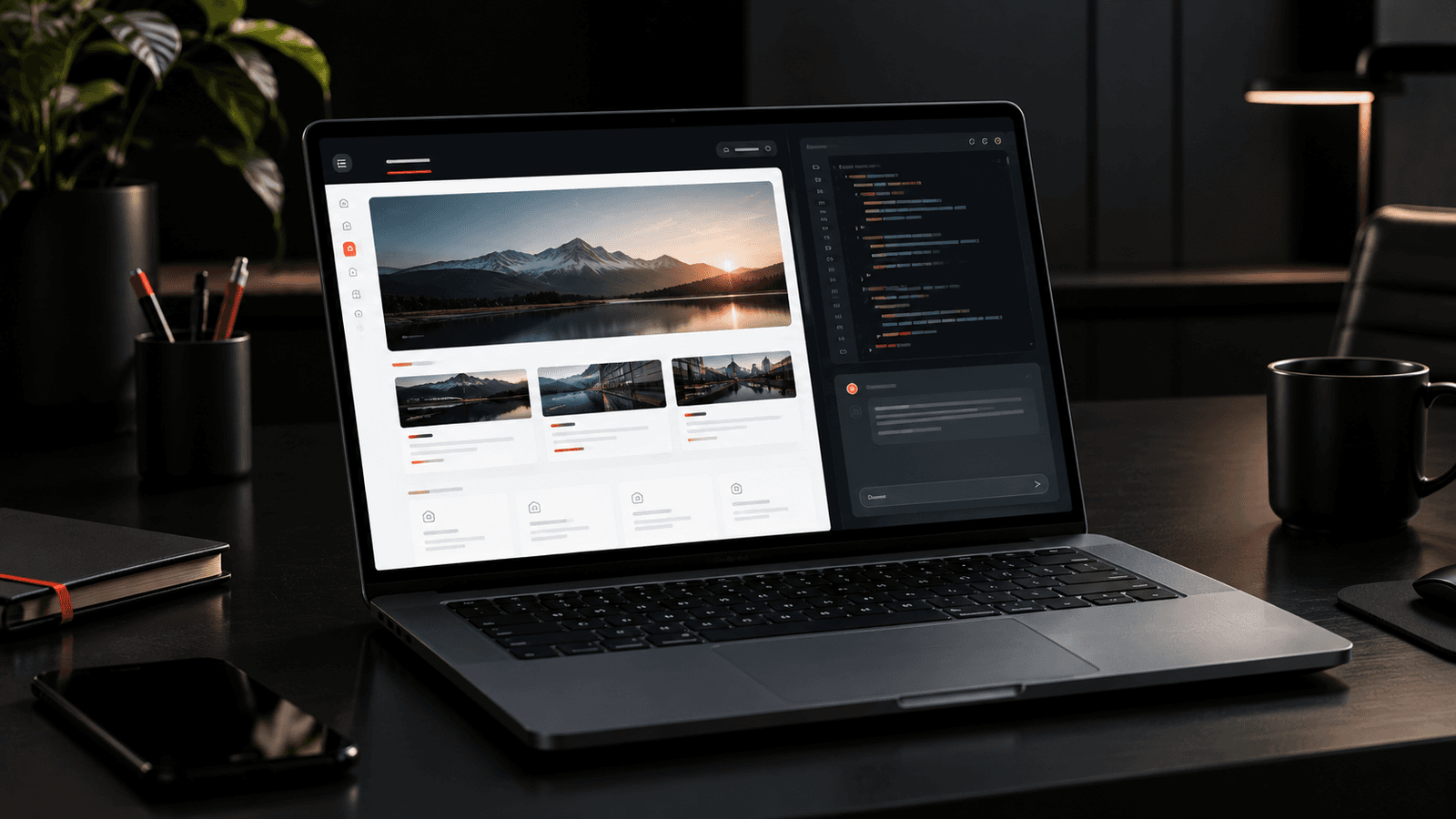
With HTML pages, the team could prototype the experience using Copilot, refine the presentation, and publish it within SharePoint, subject to the organization’s permissions and governance standards. If the initiative later requires employee-specific eligibility calculations, integration with HR systems, or transactional submissions, we can move that functionality into a properly engineered solution. The page remains the communication layer. The application handles the business logic. That separation is what good architecture should achieve.
My takeaway
SharePoint has spent years finding the right balance between flexibility and control. Classic customization gave developers freedom. Modern pages made publishing more consistent and manageable. SPFx created a supported path for deeper customization. HTML pages add another option to that landscape, with Copilot making the creation process more accessible. I don’t see this as the end of custom development. I see it as an opportunity to stop treating every design requirement as a development requirement — while continuing to engineer the experiences that genuinely need engineering.
How would you position HTML pages in your SharePoint architecture — as a prototyping tool, a publishing option, or a new layer in your intranet strategy?